

iOS and Android · For Fujifilm X cameras · Early access
See the recipe on your photos.
Preview any film simulation recipe on pictures already on your phone. Gather the seven you love into a Collection, and send them to your X100VI's C1–C7 over USB‑C.
Free to join. One email when FujiMuse opens on your phone, one at launch. Unsubscribe anytime · Privacy policy
Camera sync: X100VI· Other X bodies: browse and preview· Wired USB‑C




FujiMuse keeps every camera setting together in the film recipe you chose.
No stepping through camera menu items one by one.
Connect USB‑C. Send the recipe directly to C3 in moments.
FujiMuse handles all the camera settings together.
C3 is ready—without rebuilding the recipe in the camera menu.
See seven-recipe Collection syncAs the page scrolls, the manual burden of entering a film recipe is replaced by FujiMuse keeping every camera setting together. The selected recipe travels over USB‑C and is saved to camera slot C3 in moments.
iOS and Android · For Fujifilm X cameras · Early access
See the recipe on your photos.
Preview any film simulation recipe on pictures already on your phone. Gather the seven you love into a Collection, and send them to your X100VI's C1–C7 over USB-C—no menu diving.
Free to join. One email when FujiMuse opens on your phone, one at launch. Unsubscribe anytime · Privacy policy
See seven-recipe Collection syncOne list for iPhone and Android. We email you when yours opens.
- Camera sync: X100VI
- Other X bodies: browse and preview
- Wired USB-C

0106
FujiMuseReady
Selected film simulation recipeACROS Portrait · 15 settings
C4DR200WB 5600KH −1S +1Grain weak
Send to Camera

Manual entry · hundreds of tiny-menu clicks
Why FujiMuse exists
Changing one film recipe by hand means about 15 menu settings.
Every change means scrolling, clicking, backing out, and confirming across about 15 camera settings on a tiny menu. Rebuild C1–C7 and that can become hundreds of clicks. FujiMuse turns the same job into choose, plug in, and sync.
1complete recipe
01 · Situation-based Collections
Plug in once. Sync seven film recipes to C1–C7.
Keep a different seven-recipe Collection ready for the beach, skiing, night, concerts, food, portraits, summer days, or any situation you create.
- Beach
- Skiing
- Night
- Concerts
- Food
- Portraits
- Summer day
- 01
Choose the situation
Start with the kind of light, subject, or place you are about to photograph.
- 02
Build a seven-recipe Collection
Map one complete film simulation recipe to each C1–C7 custom slot.
- 03
Connect and sync the batch
FujiMuse writes all seven recipes to your X100VI over USB-C so the whole camera bank matches the shoot.
 Summer Day Collection
Saved CollectionSummer Day
7 film recipesC1–C7 mappedBright daylight
Sync 7 to Camera
X100VI
C1C2C3C4C5C6C7
02 · Photography and inspiration
Explore photographs for your next film simulation recipe.
Browse the founder's own photographs for film recipe inspiration. A new selection appears on every visit.
New photographs each visit


From photograph to Film Recipe
Choose the photograph. Keep the complete look.Turn inspiration into a complete Film Recipe you can save, organize, and sync without rebuilding every setting.
Explore Film Recipe Collections03 · The full recipe workflow
Preview a look. Create one. Import another. Keep exploring.
FujiMuse helps at every step before the camera sync—from finding an idea to testing, creating, importing, and saving the complete film simulation recipe.

Instant on-device preview
Try film recipes on your own photograph first.
Drag between the original and the recipe's likely direction, or compare as many as three film recipes side by side.
Camera-aware AI assistant
Describe the shoot. Get a camera-aware starting recipe.
Ask for concert color, warm overcast portraits, or a softer summer look. FujiMuse creates a complete recipe for the camera you selected, ready to save and refine.
Warm, quiet color for an overcast street.
Start with Classic Chrome, soften the highlights, and keep a little warmth in the white balance.
Classic ChromeDR400WB 6200K

On-device import
Bring in a film recipe you found somewhere else.
Paste recipe text, share a caption, or choose a screenshot. On-device parsing fills an editable draft and flags anything you should review.
Discover
Find film recipes by looking at photographs.
Browse a photo-first feed, flip a frame to reveal its complete recipe, then save it, send it, or add it to a Collection.


Personal Library
Keep every film recipe searchable and camera-aware.
Search, favorite, and filter by film simulation, lighting, subject, rating, grain, or selected camera. Then edit, compare, duplicate, or share what you saved.
SavedFavoritesFilm simClassic ChromeLightNightSubjectPortraitsTextureGrainCameraX100VIActionCompare
Search, favorites & personal LibraryCreate, duplicate, copy & shareCompare two or three recipesProfiles, posts & communityStarter recipes includedFilter recipes by 17 camera models

04 · Real-camera proof
Hardware-verified on the X100VI.
FujiMuse is built for iPhone and Android. Wired recipe writing and seven-recipe Collection sync are verified on the X100VI, the only body FujiMuse writes to at launch. On other Fujifilm X bodies you can browse, filter by camera, and preview recipes on your photos.
05 · Good questions
Collections, compatibility, and launch details.
01When can I get FujiMuse?+
Android closed testing opens first, then iOS TestFlight. Join early access and we'll email you the moment your platform opens, then again at the public launch on Google Play and the App Store.
02Does FujiMuse work on iPhone?+
Yes. FujiMuse is coming to both iPhone and Android. Camera sync on both uses a USB-C cable to the X100VI, so a Lightning iPhone needs a Lightning-to-USB-C adapter.
03How much does it cost?+
FujiMuse is free to download. FujiMuse Pro is $4.99 a month, $29.99 a year with a 7-day free trial, or $69.99 once for lifetime access.
04What does FujiMuse send to the camera?+
A complete film simulation recipe, including film simulation, white balance, dynamic range, grain, highlights, shadows, color, clarity, and more. Send one recipe to a chosen custom slot or sync a full seven-recipe Collection to C1–C7.
05Can I sync a full batch of film recipes?+
Yes. A FujiMuse Collection maps seven complete film simulation recipes directly to C1–C7. Name a Collection for the situation, connect over USB-C, and use Sync 7 to Camera to replace the full custom-slot bank together.
06Which cameras can write recipes today?+
Camera sync works with the X100VI at launch. It is the model we have verified writes on, so it is the only one FujiMuse writes to. On other Fujifilm X bodies you can browse recipes, filter by your camera, and preview them on your photos; the app won't write to the camera. We add sync for a body only after repeated clean write and read-back tests on real hardware.
07Does camera sync work wirelessly?+
No. Camera sync uses a USB-C cable between your phone and the camera, with no Wi-Fi pairing step. Use a cable that carries data, not a charge-only one.
08What can I do besides send a recipe?+
Discover photo-first film recipes, preview their likely direction on your own photograph, compare up to three looks, import recipe text or screenshots on-device, ask the camera-aware AI assistant for a starting point, and organize everything in your personal Library and Collections.

Early access list
Take the right recipe batch to every shoot.
One list for iPhone and Android. Free to join.
Free to join. One email when FujiMuse opens on your phone, one at launch. Unsubscribe anytime · Privacy policy
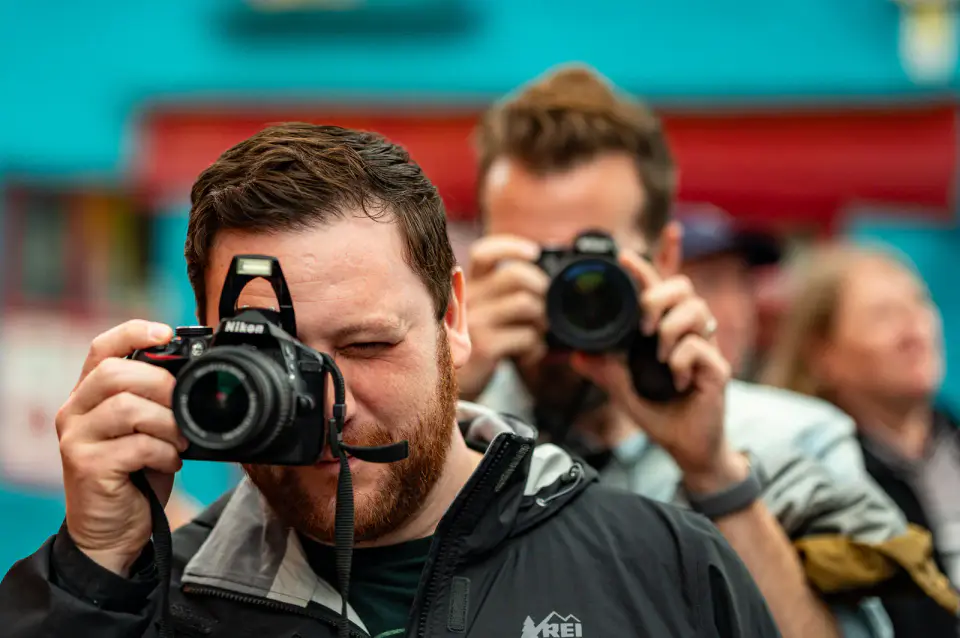
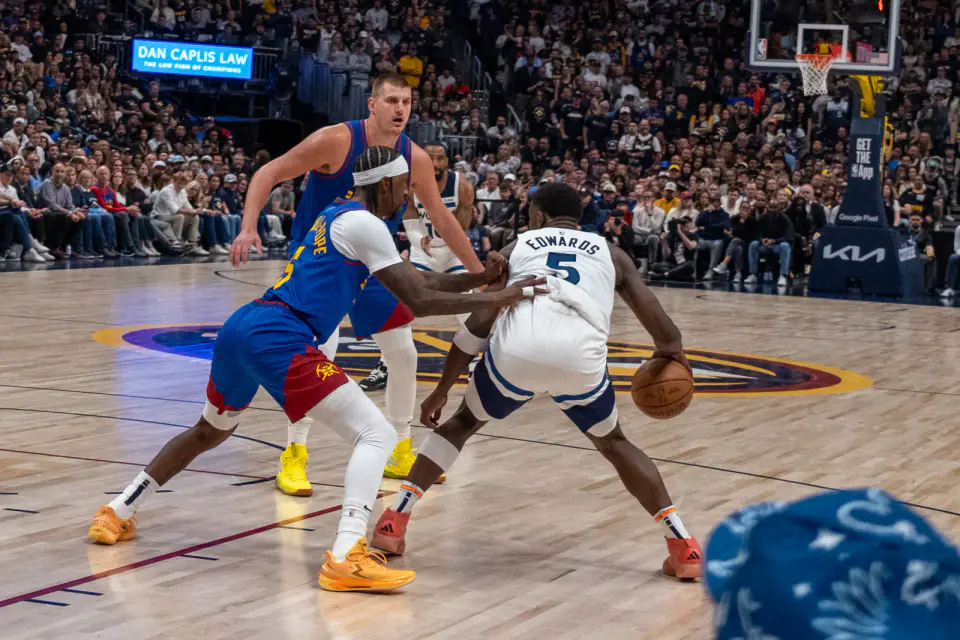
Founder photography · new selection each visit